Make digital footagefeel like film.
17 film looks for Premiere, DaVinci Resolve, Lightroom and CapCut. One download, instant access.
Seventeen looks, one philosophy.
Pick a look, switch the scene, drag the line to compare it with the original.
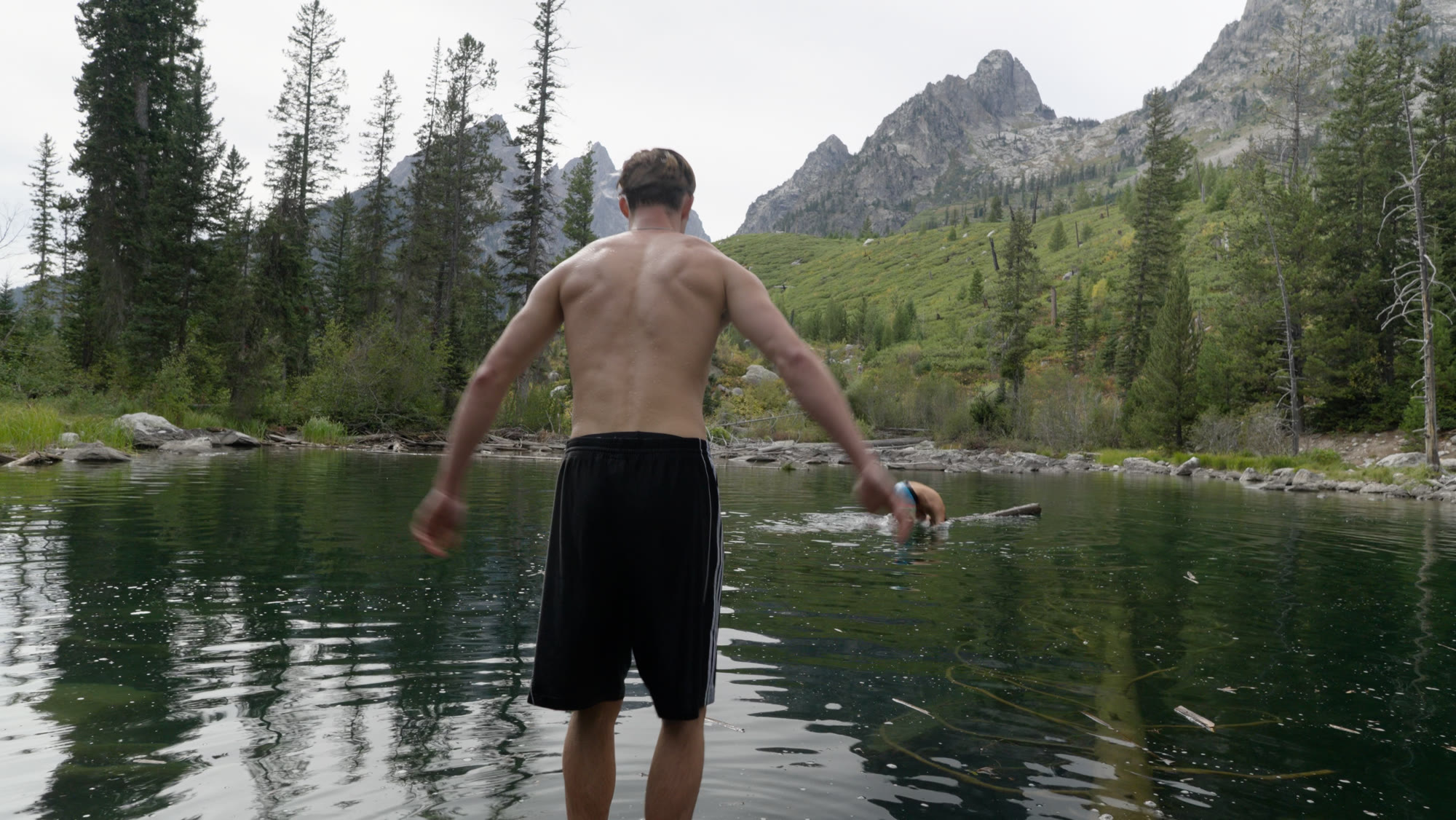
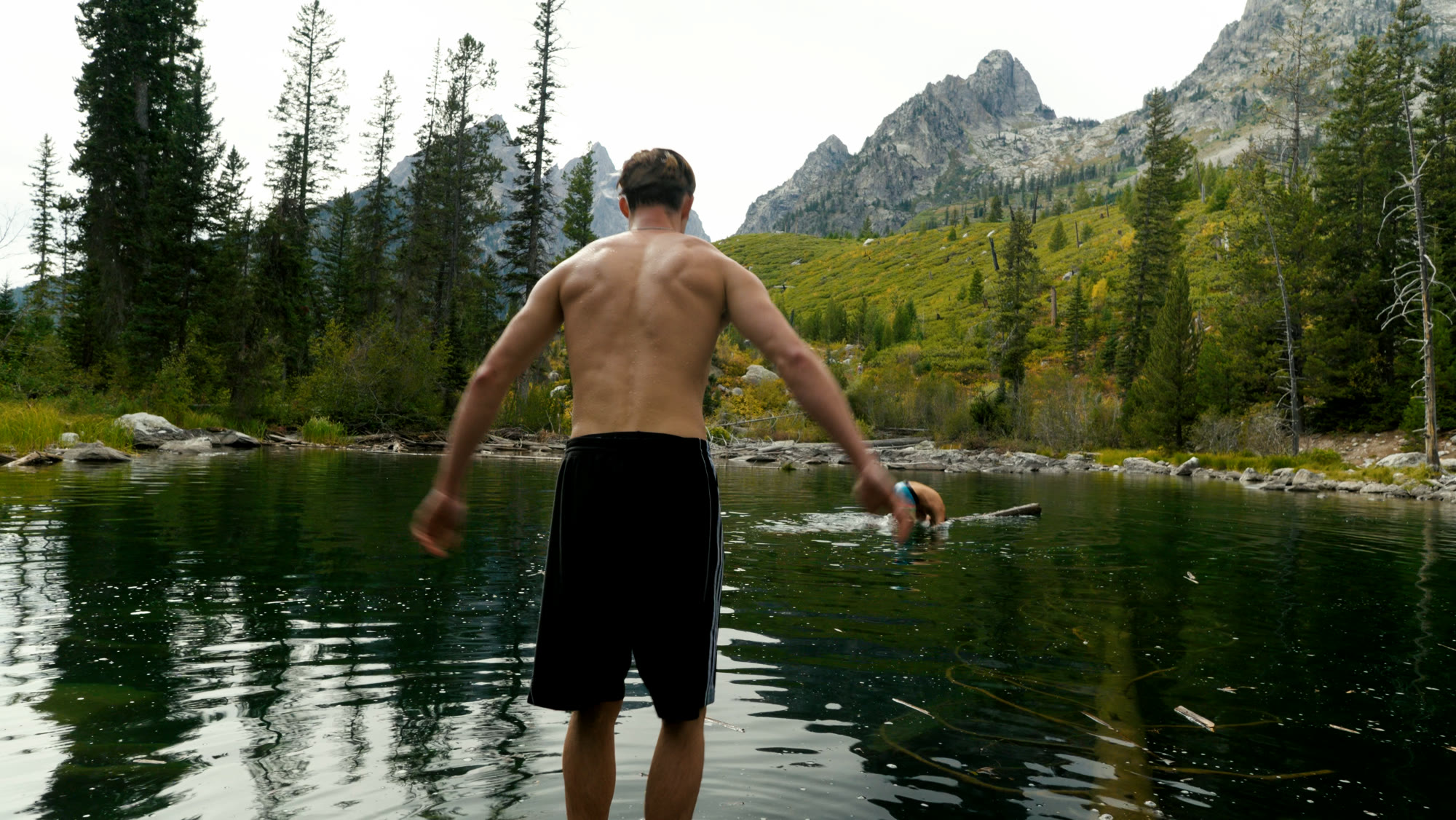
Deep shadows, rich mids, clean highlights. The all-rounder.
deepfilm.cube
Signature
Utility
Film
Scenes
Stylized
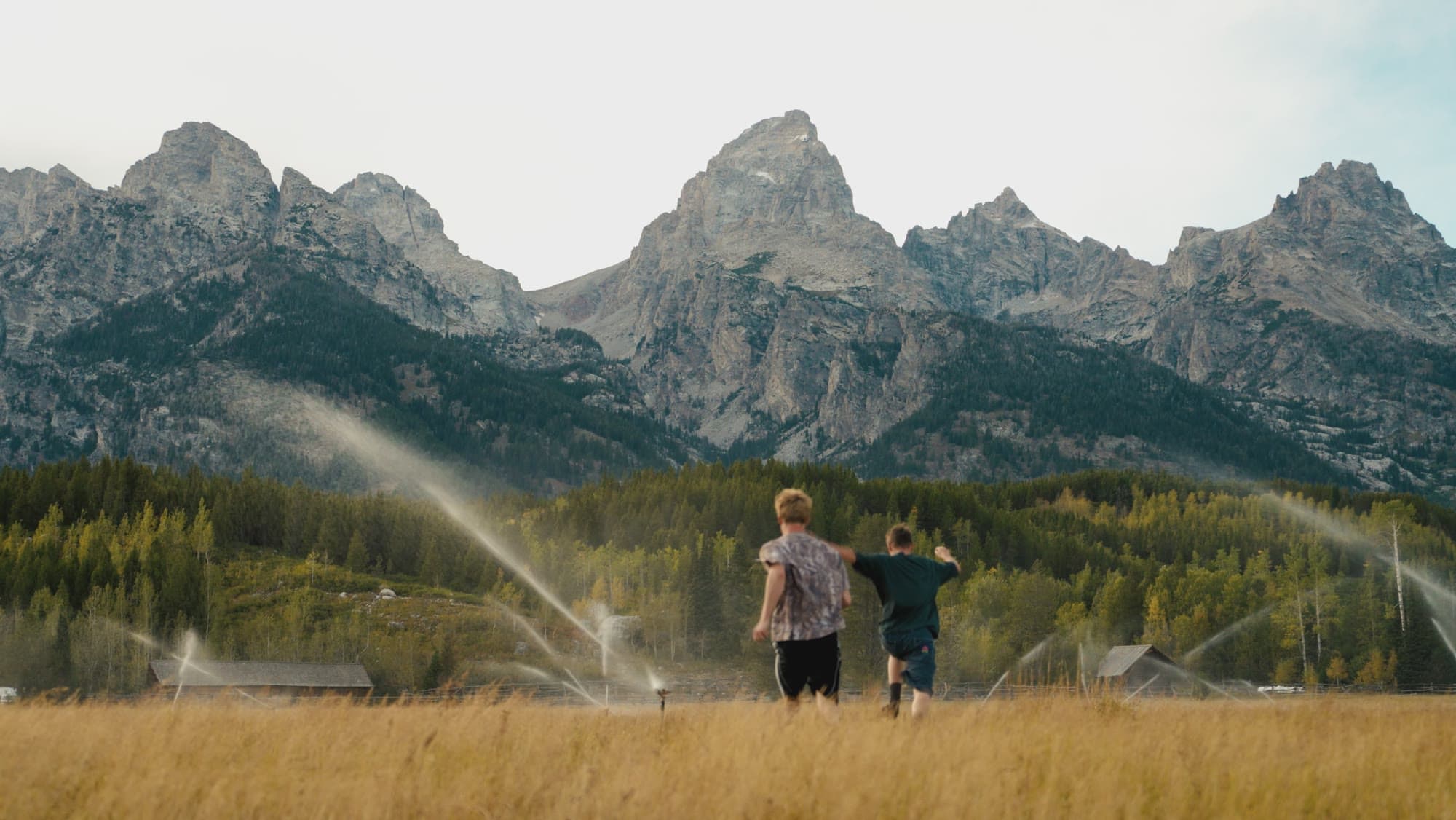
See it in motion.
Color lives in the shadows and mids.
Skies and whites stay clean.
Skin gets a light warm push.
Works where you edit.
Premiere Pro
DaVinci Resolve
Lightroom
CapCut
17 files, 33x33x33 .cube
$19
One payment. Instant download. Yours to keep.
- 17 film looks as .cube files
- Skin, skies and whites stay clean
- A quick-start guide for every app
Checkout is handled by Gumroad.
Questions.
What do I get?
17 .cube files and a short readme, delivered the moment you check out.
Which apps work with them?
Anything that loads .cube LUTs. They are built for Premiere Pro, DaVinci Resolve, Lightroom and CapCut.
How do I install them?
Unzip the download. In Premiere, open Lumetri Color, choose Browse in the Creative Look menu and pick a file. In DaVinci, right-click a node on the Color page, choose LUT, then Open LUT Folder, and drop the files in.
What footage do they work on?
They look best on flat or neutral footage with room left in the highlights. Very bright, already saturated clips can clip, so expose with care.
Can I use them on client work?
Yes, on your own projects and your clients' projects. Please don't resell or share the files.